Best for Instagram Stories: Unfold
Unfold is a story editor that comes with 300+ award winning story templates. This allows you to create incredible collage layouts for Instagram and other social media posts in order to market your business. With it, you can easily display your images across all social media platforms. Because of the resounding praise, it has received the iOS app store “Editor’s Choice” designation.
Pros:
- Very easy to use
- Perfect for Instagram stories
- Incredible user interface
Cons:
- Only a handful of free templates
- Limited font and color options
Price: Free
App store rating: 4.9
 Instagram Stories runner-up: Pixlr
Pixlr is a free photo effects, filters and collage app based on the well-known free desktop service. While the desktop version is useful for users who need access to Adobe-like functionality without paying a premium price, the mobile app offers several useful photo editing tools for free. Pixlr is great for users who want to touch up photos before uploading them to Instagram or other social media platforms.
Pros:
- Several useful free filters and tools
- Intuitive user interface
- Multiple collage features
- Supports multiple layers and transparency
Cons:
- Not suitable for professional-level photo editing
- Better effects are locked behind premium pricing
- Small bugs can cause frustration
Price: Free
App store rating: 3.6

Best for film photographers:
Pocket Light Meter
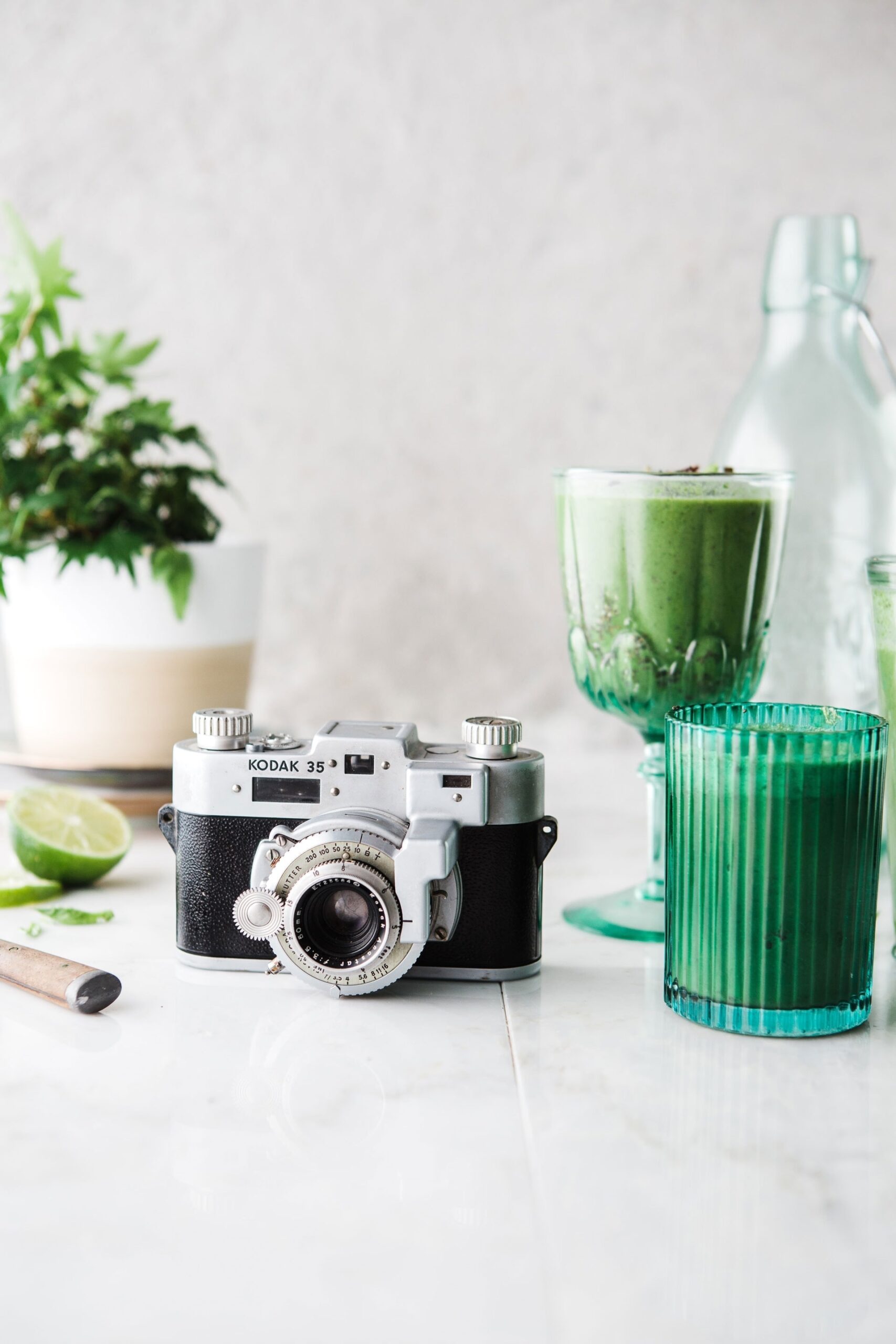
For those of you who like to do things the old-school way, having a light meter is indispensable to your work. While there are several choices on the app store for mobile light meters, Pocket Light Meter takes the cake with it’s simple interface and ease of use.
Pros:
- Reflected light measurements
- Reciprocity calculations
- Set shutter speed, aperture and ISO
Cons:
- Simple interface may turn away advanced users
- Steep price tag
- Settings don’t automatically adjust
Price: $10.99
App store rating: 4.5
 Best for shoot planning: PhotoPills
PhotoPills is a photography planning app that helps you plan your shots ahead of time, so that you’re ready when the moment comes. This is especially useful for timelapses, astrophotography, and landscapes. The astronomical event planner charts the movements of the sun, moon, and stars, helping you select the perfect location and time for your photoshoot.
Pros:
- Great for night and day photographers
- Slick design
- Uses Augmented Reality
- Packed with features and tools
Cons:
- Difficult for beginners
- Quickly drains mobile battery
Price: $9.99
App store rating: 4.7

Shoot planning runner-up:
The Photographer’s Ephemeris
The Photographer’s Ephemeris is another photoshoot planning app. With an emphasis on landscape and urban scenes, TPE calculates the positioning of the Sun, Moon and Milky Way to help you determine the perfect time to snap your photos. Similar to PhotoPills, TPE offers a worthy alternative with standout features such as location cataloging and automatic time zone and elevation detection.
Pros:
- Beautiful design
- Huge array of features, from basic to advanced to “geek”
- Augmented Reality for location scouting
Cons:
- Huge learning curve
- App has some crashing issues
Price: $9.99
App store rating: 4.8
 Best for marketing your business: Instagram
It should go without saying, but few apps are as important for promoting your small business and building a community as Instagram. The photo sharing social media site is the premier networking and advertising platform, particularly for photographers. Use Instagram stories to showcase your work and give followers a behind-the-scenes look at what it means to be a professional photographer.
Pros:
- Huge user base to share photos with
- Good for brand-building
- Easy to use
- Useful engagement metrics
Cons:
- Lots of competition
- Can take a lot of time to gain traction
- Users are bombarded with content
- Sponsored posts have become much more prevalent
Price: Free
App store rating: 4.7
 Best Instagram alternative: VSCO
One of the more popular photography mobile apps in use today, VSCO helps you create photos, discover new artists, and connect with others. It provides hundreds of presets, advanced photo and video editing tools, and tons of filters. While there is some debate as to whether ‘professional’ photographers use VSCO for editing their work, many photographers who primarily shoot on mobile use the VSCO presets and tweak lighting and color.
Pros:
Great minimalist design Handy photo and video editing tools Growing community of photography enthusiasts
Cons:
The best features require a paid account No commenting Does not have a desktop version
Price: Free
App store rating: 4.7



 Photoshop Express
 Adobe Lightroom